
Installing Skype on Debian 11
Below is a quick guide on how to install Skype on Debian 11 both in the terminal version and the gdebi package manager.

Option via terminal:
Open a terminal with Ctrl + Alt + T, and install the necessary packages:
sudo apt install software-properties-common apt-transport-https wget ca-certificates gnupg2 -y

The next step is to get the repository key, in the console, we issue a command:
curl -sSL https://repo.skype.com/data/SKYPE-GPG-KEY | sudo gpg --dearmor -o /usr/share/keyrings/skype-keyring.gpg

We add a repository to the system:
echo "deb [arch=amd64 signed-by=/usr/share/keyrings/skype-keyring.gpg] https://repo.skype.com/deb stable main" | sudo tee /etc/apt/sources.list.d/skype-stable.list

update packages with the command:
sudo apt-get update
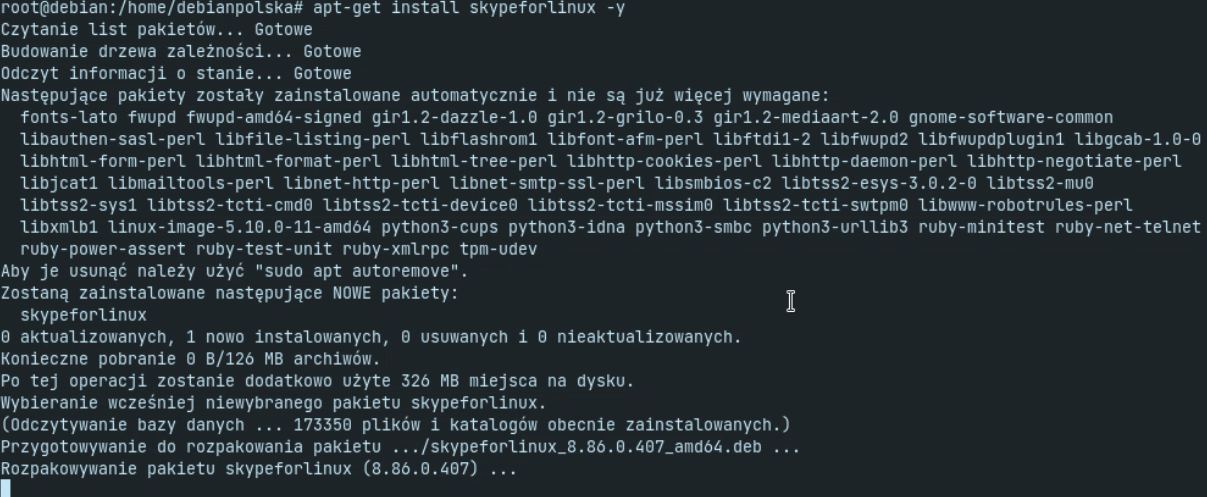
We install by issuing the command:
sudo apt install skypeforlinux -y
Installing skype from gdebi.
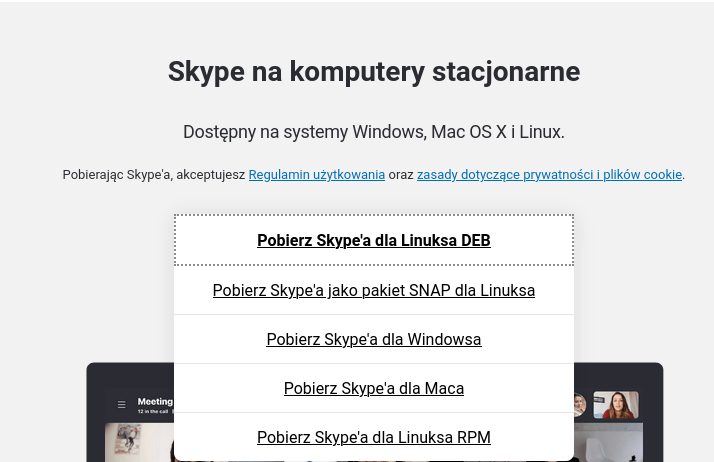
We run the web browser
and go to the address
https://www.skype.com/pl/get-skype/
We download the .deb version
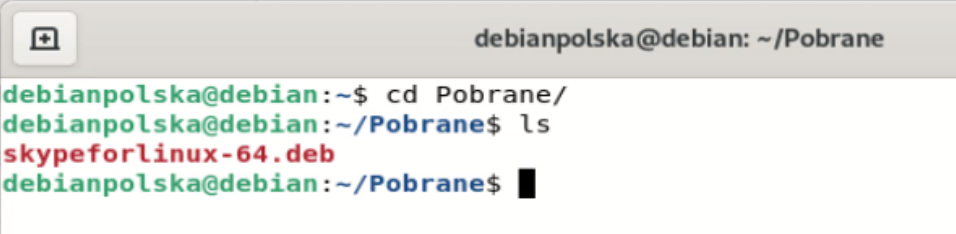
We start the terminal and go to the download directory:
cd Pobrane
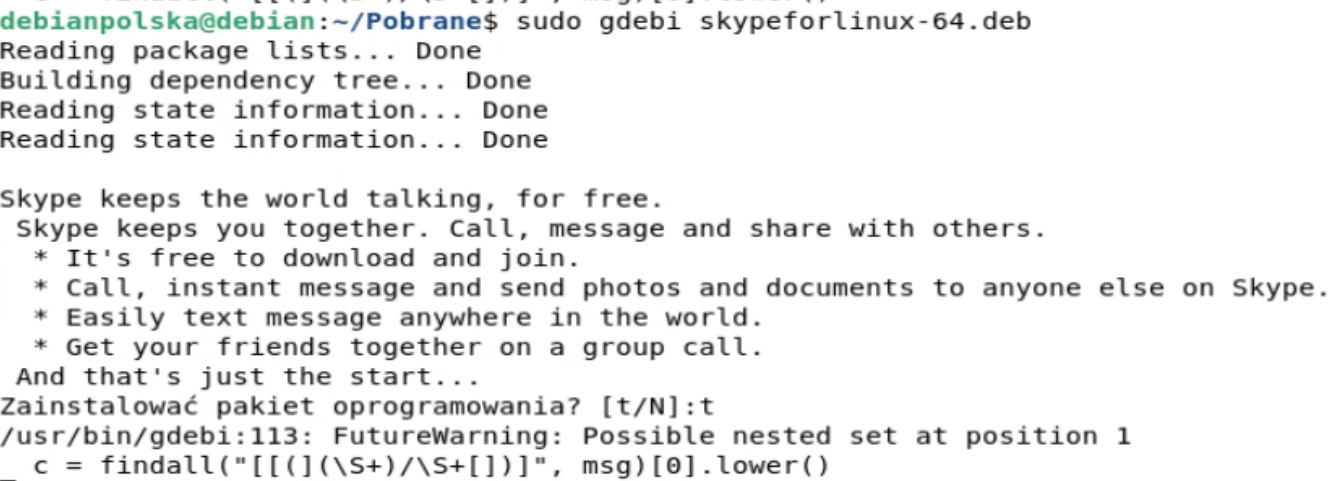
Then we issue a command to install our downloaded skype package:
sudo gdebi skypeforlinux-64.deb
Of course, we enter our user password.

We confirm it with the T key
After it is properly installed, we find Skype in our system and start it:

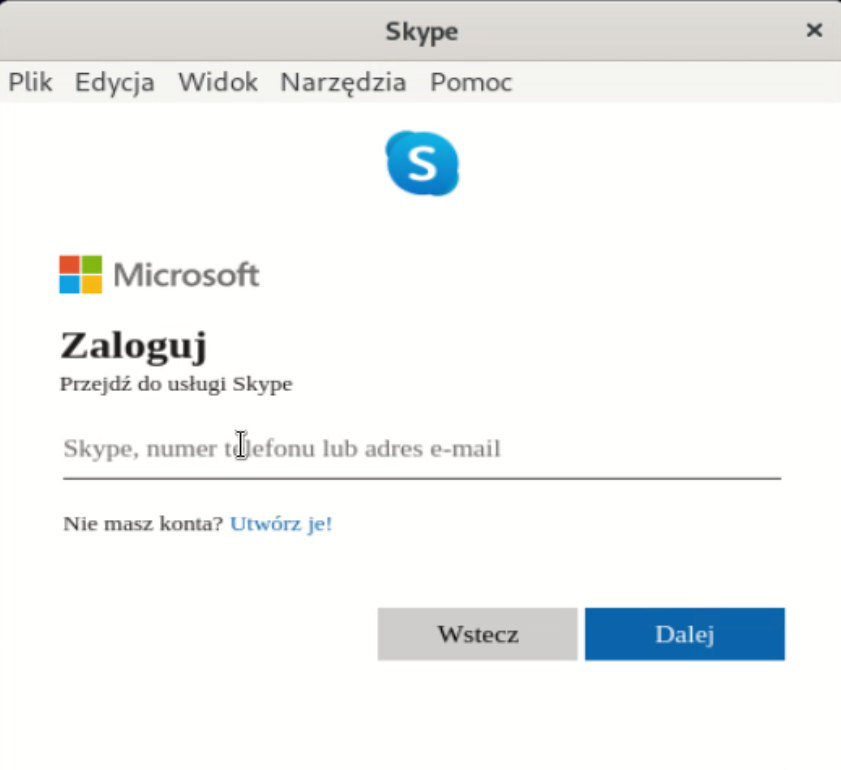
We can log in now:
Below is a video of installation both via the terminal and from gdebi
The server for this guide was provided by statnet.pl https://www.statnet.pl/vps/root-vps/